Microsoft OneNote: Save Notes
Safety infoListing facts
- App name
- Microsoft OneNote: Save Notes
- Category
- Productivity
- Developer
- Microsoft Corporation
- Price
- free
- Store region
- United States
- Source
- App listing
App screenshots
What This App Offers
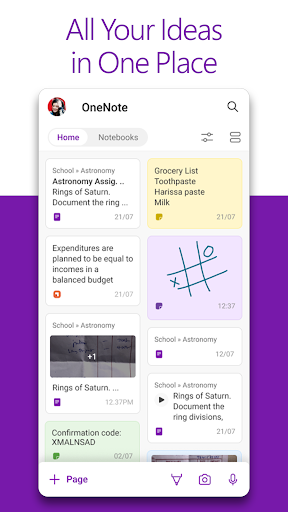
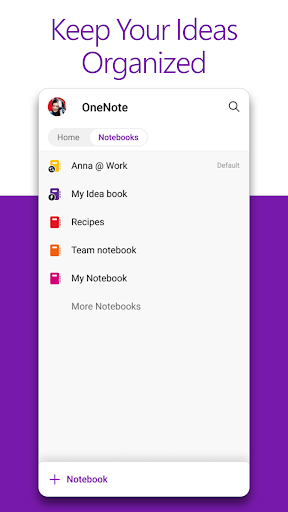
Microsoft OneNote helps you capture thoughts and organize life's details. Use it for daily lists 📝, brainstorming, or planning events. Syncs across devices effortlessly.
Key Tools
- Quick Capture
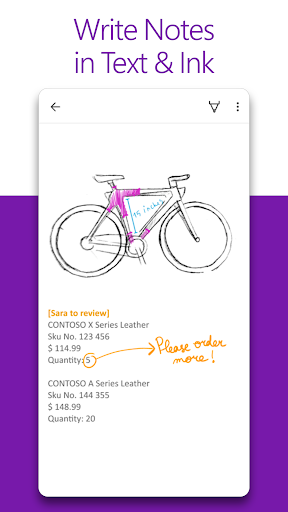
- Instantly save text, voice, ink, or images to your digital notebook, ensuring no idea is lost during spontaneous moments. 💡
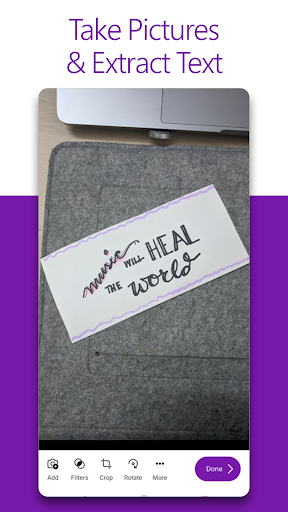
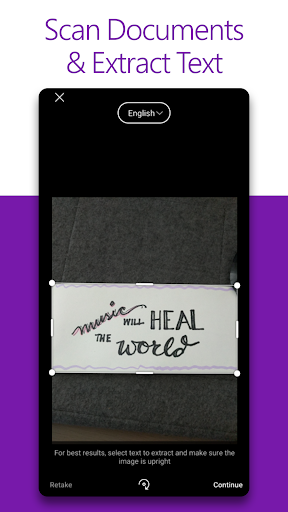
- Notes Scanner
- Digitize documents and extract text, making physical notes searchable and usable within your digital workspace. 📄
- Voice Dictation
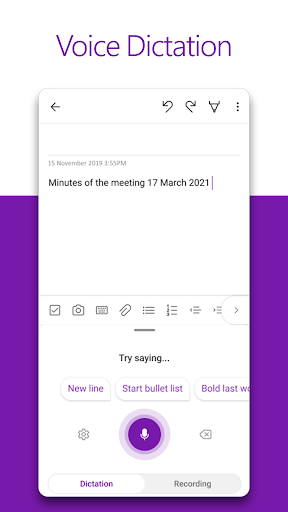
- Create audio notes that are automatically transcribed into text, offering a hands-free way to record thoughts on the go. 🎤
Typical Uses
- Organize project tasks
- Draft meeting minutes
- Create shopping lists
- Sketch out ideas
Who It Suits
- Students managing coursework and research.
- Professionals needing to track project details.
- Individuals who prefer digital note-taking.
Final Assessment
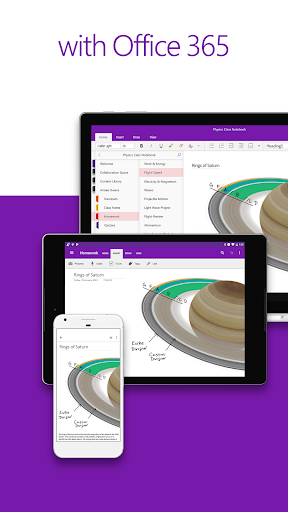
This app serves as a versatile digital notebook for organizing personal and professional information. It suits users who need cross-device synchronization for their notes and ideas. A Microsoft account is required for full functionality.