Pocket Paint: draw and edit!
Safety infoListing facts
- App name
- Pocket Paint: draw and edit!
- Category
- Tools
- Developer
- Catrobat
- Price
- free
- Store region
- United States
- Source
- App listing
App screenshots




What This App Offers
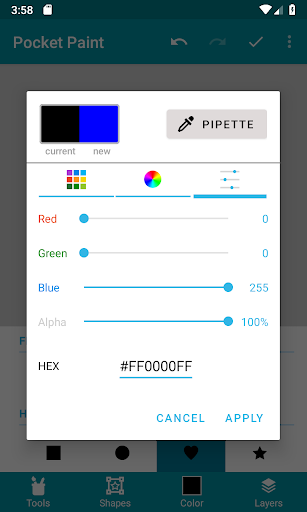
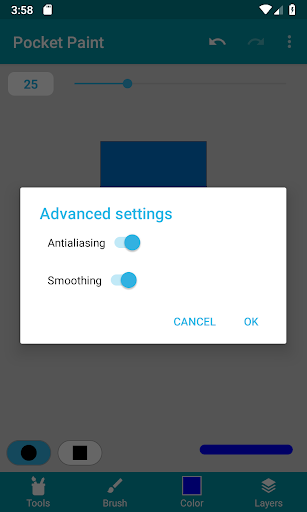
Pocket Paint offers a versatile canvas for digital art on your phone 🎨. It's useful for quick edits or detailed creations, letting you modify images with precision.
Key Tools
- Layers Management
- Allows for complex image editing by stacking elements, making it easier to adjust specific parts without affecting others. 🖼️
- Pixel-Level Zoom
- Enables detailed adjustments and fine-tuning of artwork by magnifying the canvas to a single pixel for precision. ✨
- Transparency Support
- Facilitates compositing and overlay effects by making parts of an image see-through, ideal for graphic design. 💨
Typical Uses
- Edit photos with precision
- Create digital illustrations
- Design simple graphics
- Prepare images for transparency
Who It Suits
- Hobbyist artists seeking mobile tools
- Graphic designers needing quick edits
- Users interested in detailed image manipulation
Final Assessment
Pocket Paint provides a range of editing capabilities for visual content. It serves users who need to modify images on the go, with its features supporting detailed work.