Microsoft SwiftKey AI Keyboard
Safety infoListing facts
- App name
- Microsoft SwiftKey AI Keyboard
- Category
- Personalization
- Developer
- SwiftKey
- Price
- free
- Store region
- United States
- Source
- App listing
App screenshots


What This App Offers
Microsoft SwiftKey offers an intelligent keyboard experience that adapts to your typing style, making communication faster and more expressive with emojis and GIFs. 🤩
Key Tools
- AI-powered predictions
- Provides helpful word suggestions and autocorrects errors, allowing for faster and more accurate typing during conversations. ✅
- Emoji, GIF, and Sticker Access
- Enables quick searching and insertion of visual content, helping users express emotions and reactions more vividly. 😎
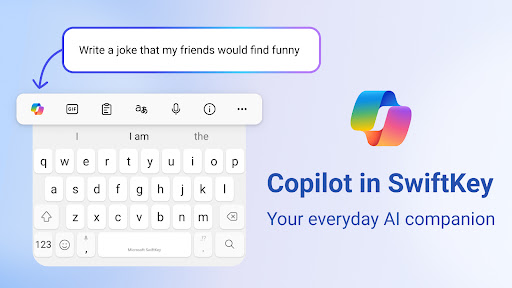
- Copilot AI Assistant
- Offers assistance with tasks like rewriting text in different tones or composing drafts directly within your apps. ✍️
Typical Uses
- Type messages with swipe or tap input.
- Express yourself with relevant emojis and GIFs.
- Quickly correct spelling and grammar mistakes.
- Generate text in different tones using AI.
Who It Suits
- Individuals seeking a more efficient typing experience.
- Users who frequently use emojis, GIFs, and stickers.
- Those interested in leveraging AI for writing assistance.
Final Assessment
This keyboard app focuses on adaptive learning and AI integration to streamline text input. It suits users who want enhanced prediction and creative expression tools within their messaging. Usage may involve optional permissions for full functionality.