
Manual Camera: DSLR Camera Pro
Safety infoListing facts
- App name
- Manual Camera: DSLR Camera Pro
- Category
- Photography
- Developer
- Lenses Inc.
- Price
- 4.99
- Store region
- United States
- Source
- App listing
App screenshots
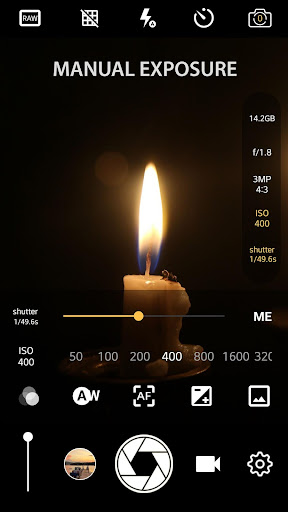

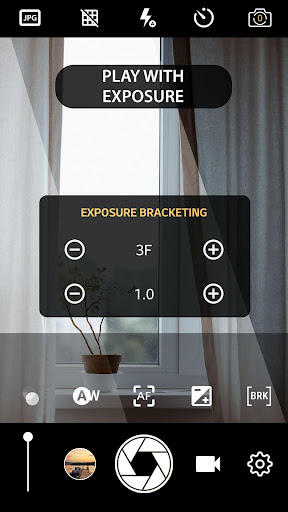
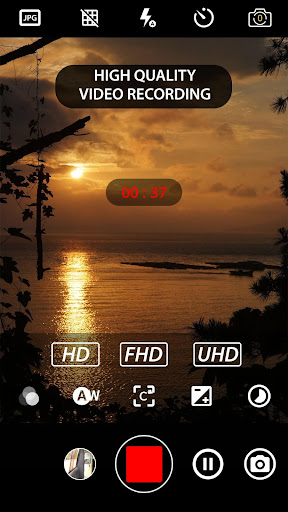
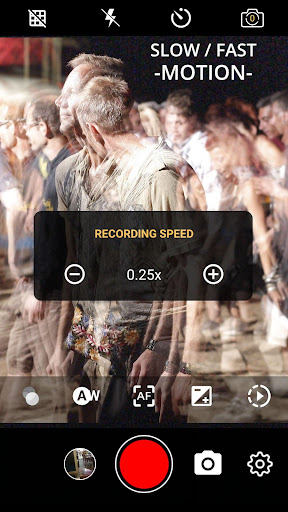
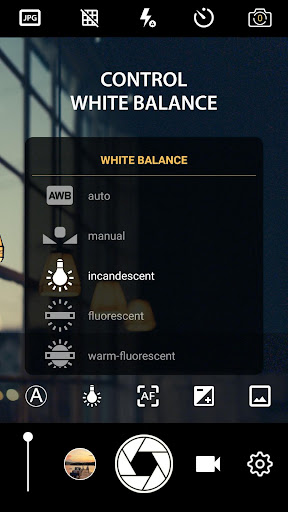
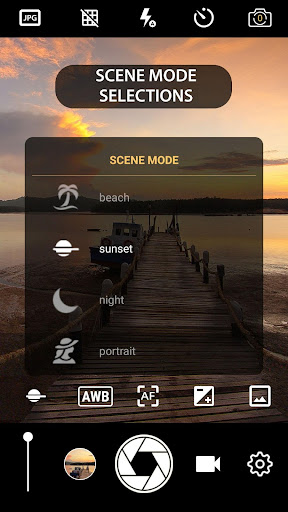
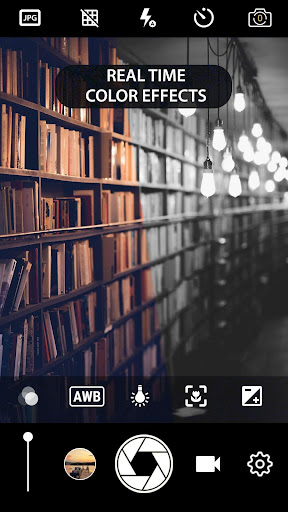
What This App Offers
Manual Camera DSLR aims to give your phone professional camera controls. It offers features to elevate your mobile photography and videography. 📸
Key Tools
- Manual ISO
- Adjusting ISO manually allows for better control over image brightness in various lighting conditions, useful for low-light shots. 💡
- Shutter Speed Control
- Manually setting shutter speed lets you freeze fast action or create motion blur effects in your photos and videos. 🏃
- Manual Focus
- Precisely control where your image is sharp, ideal for achieving specific depth-of-field effects and ensuring critical subjects are in focus. 🎯
Typical Uses
- Capture detailed low-light images by adjusting ISO.
- Create artistic motion blur effects with slow shutter speeds.
- Achieve sharp focus on desired subjects with manual control.
- Record high-resolution 4K video footage.
Who It Suits
- Photographers seeking granular control over their phone camera settings.
- Videographers wanting to achieve specific visual styles.
- Users with devices supporting Camera2 API for advanced features.
Final Assessment
This app provides extensive manual controls for mobile photography and videography. It is suited for users who want to go beyond automatic settings, provided their device supports the necessary API. ⚙️