

YouCut - Video Editor & Maker
Safety infoListing facts
- App name
- YouCut - Video Editor & Maker
- Category
- Video Players & Editors
- Developer
- InShot Video Editor
- Price
- free
- Store region
- United States
- Source
- App listing
App screenshots









What This App Offers
YouCut provides a comprehensive suite of tools for editing videos, ideal for social media content creation. It supports merging, cutting, and applying effects for polished results. 🎬
Key Tools
- AI Video Boost
- Automatically generates captions and enhances video quality with AI, saving time on manual adjustments and improving clarity. ✨
- Video Merger & Cutter
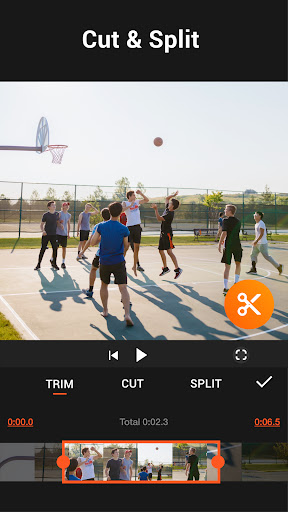
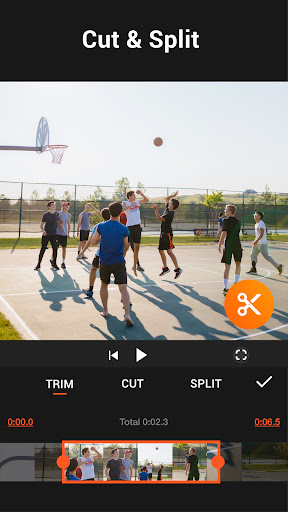
- Combines multiple video clips into one seamless project or precisely trims unwanted sections for a clean output.✂️
- Speed Control
- Allows adjustment of video playback speed for dramatic slow-motion or sped-up sequences, adding dynamic visual interest. 🚀
Typical Uses
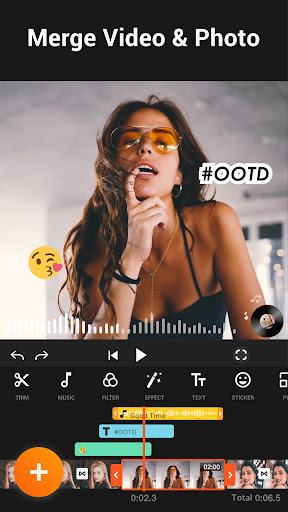
- Merge video clips into a single file.
- Cut and trim footage to desired lengths.
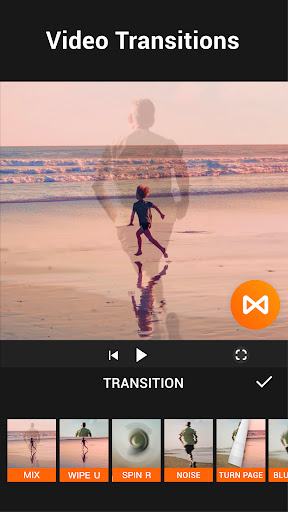
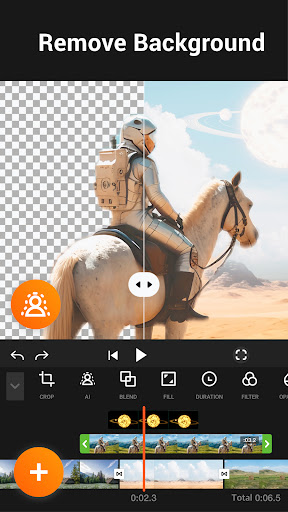
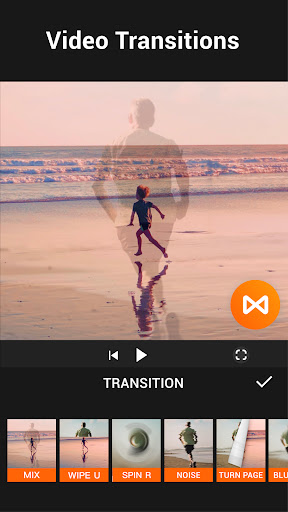
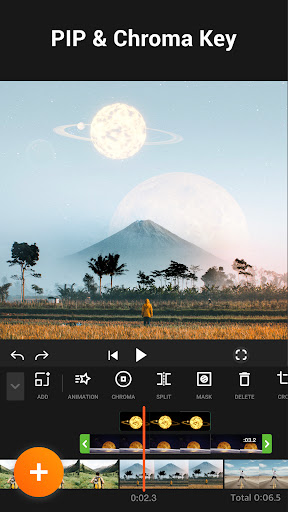
- Apply filters and effects to enhance visuals.
- Create photo slideshows with music.
Who It Suits
- Social media creators needing to edit short-form video content.
- Beginners looking for an accessible, no-watermark video editor.
- Users who want to combine photos and videos into a single presentation.
Final Assessment
YouCut offers a capable, watermark-free video editing experience for various social media needs. It is suitable for users who require basic to intermediate editing functions without added complexities. Remember to check export options.